Fix a factual issue
Broken links, unclear summaries, wrong dates, missing context or anything that should be checked against a public source.
Open corrections Manx symbolContact visual contextA public-domain visual cue for Manx identity and source-labelled reuse.
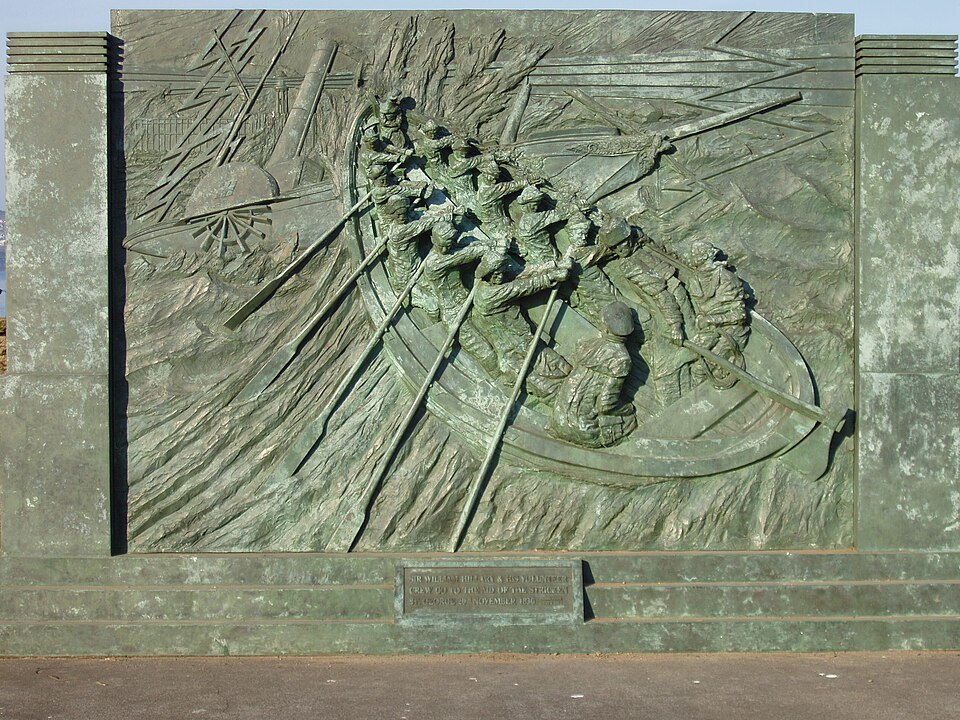 DouglasPromenade, memorials and daily movementThe briefing is built for the practical rhythm of Island mornings.
 Morning briefingLocal news before the day startsDaily issue context with a fresher visual anchor.
Contact Moghrey Mie
Use the form for corrections, tips, event listings, source questions, advertising, subscription help and accessibility notes.
Choose the topic, add your reply email, include the page or source link if there is one, then write the detail Moghrey Mie should check or answer.
Choose the message type that best fits. Each option says what detail to include so the note can be checked or answered quickly.
Broken links, unclear summaries, wrong dates, missing context or anything that should be checked against a public source.
Open correctionsNews tips, public records, events, consultations, road notices, court listings, tender links or useful source context.
Open tipsUse the Sources page when you want to understand what sits behind a briefing item before sending extra evidence.
Check sourcesAdvertising has a separate route so reader corrections and editorial tips do not get mixed with commercial enquiries.
View advertisingSubscription management happens through Buttondown. The website explains the handoff and does not collect signup details itself.
Subscribe freeUse the accessibility notes for layout, mobile, keyboard/focus, reduced-motion and readable-link expectations.
Accessibility notesCorrections, tips, source questions and commercial notes need different details.

You are not sure whether the message is a correction, a tip, an event listing, a source question, a subscription issue or an advertising enquiry.
A published page has a factual problem, broken link, unclear summary, wrong date, missing attribution or source trail issue.
You have a public-interest lead, public record, event, consultation, road notice, tender, court listing or official update that may belong in a future briefing.
The message is commercial: sponsorship, paid placement, local campaign details, booking dates, advert copy or billing questions.
A useful message is specific, checkable and privacy-light.
The route you choose changes what information is useful. These prompts keep replies practical without adding a public form.
Use these shortcuts when you already know the kind of reply or review you need.
Include the issue date, page URL, headline and any public source link so the note can be checked quickly.
Morning briefing · Local news before the day startsSource trail · Public records and civic checking Plan the day · Weather, tides, roads and travel
 Local commerce · Advertising that fits the briefing